One product
This site is only for PDF Tools: Advanced. The Play listing is the source of truth for price, screenshots, and availability.
Android · Offline-first
PDF Tools: Advanced is an offline-first toolkit for everyday PDF work. Merge, split, annotate, watermark, compress, protect, unlock, run OCR, and convert — then save a project or export a finished file.
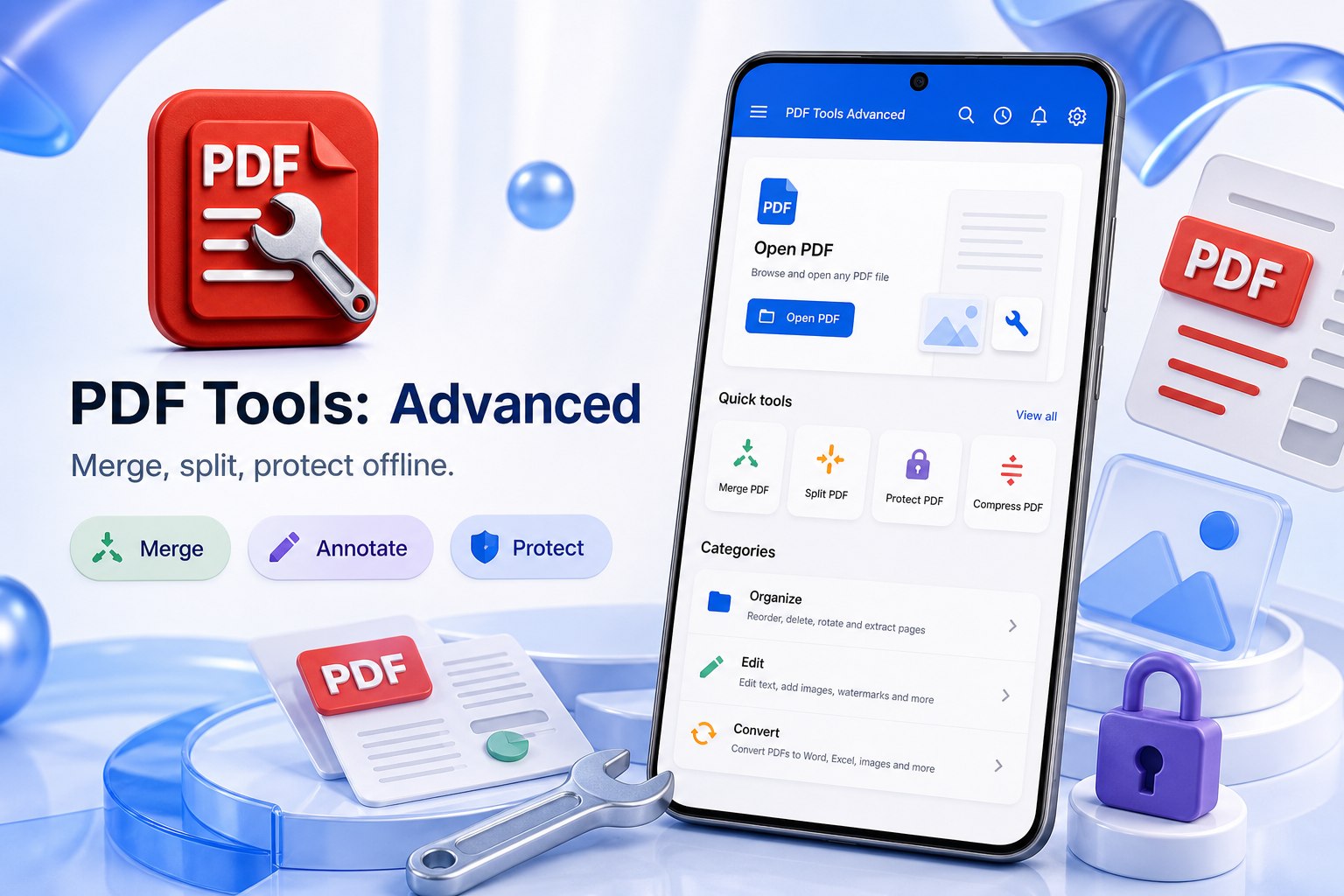
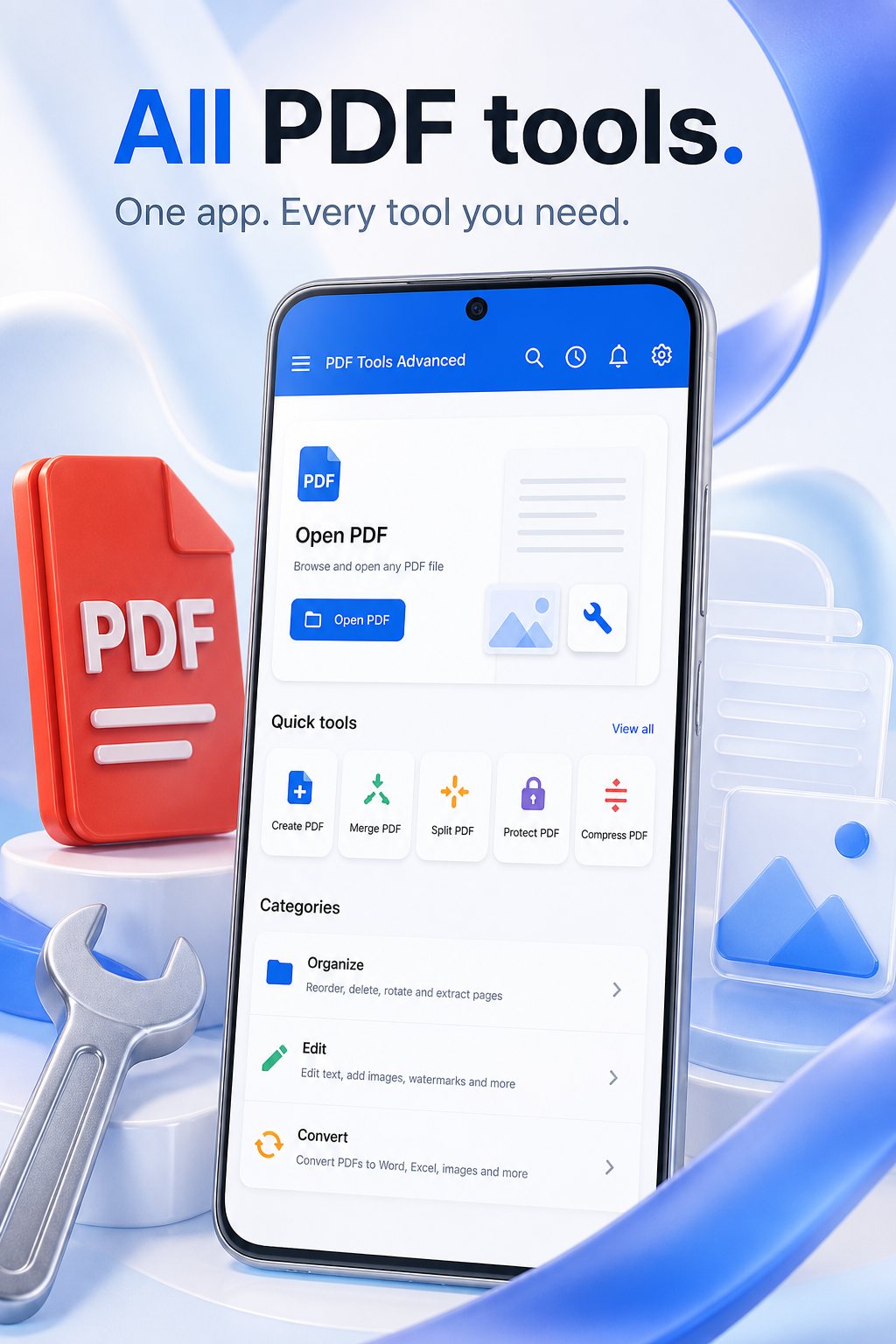
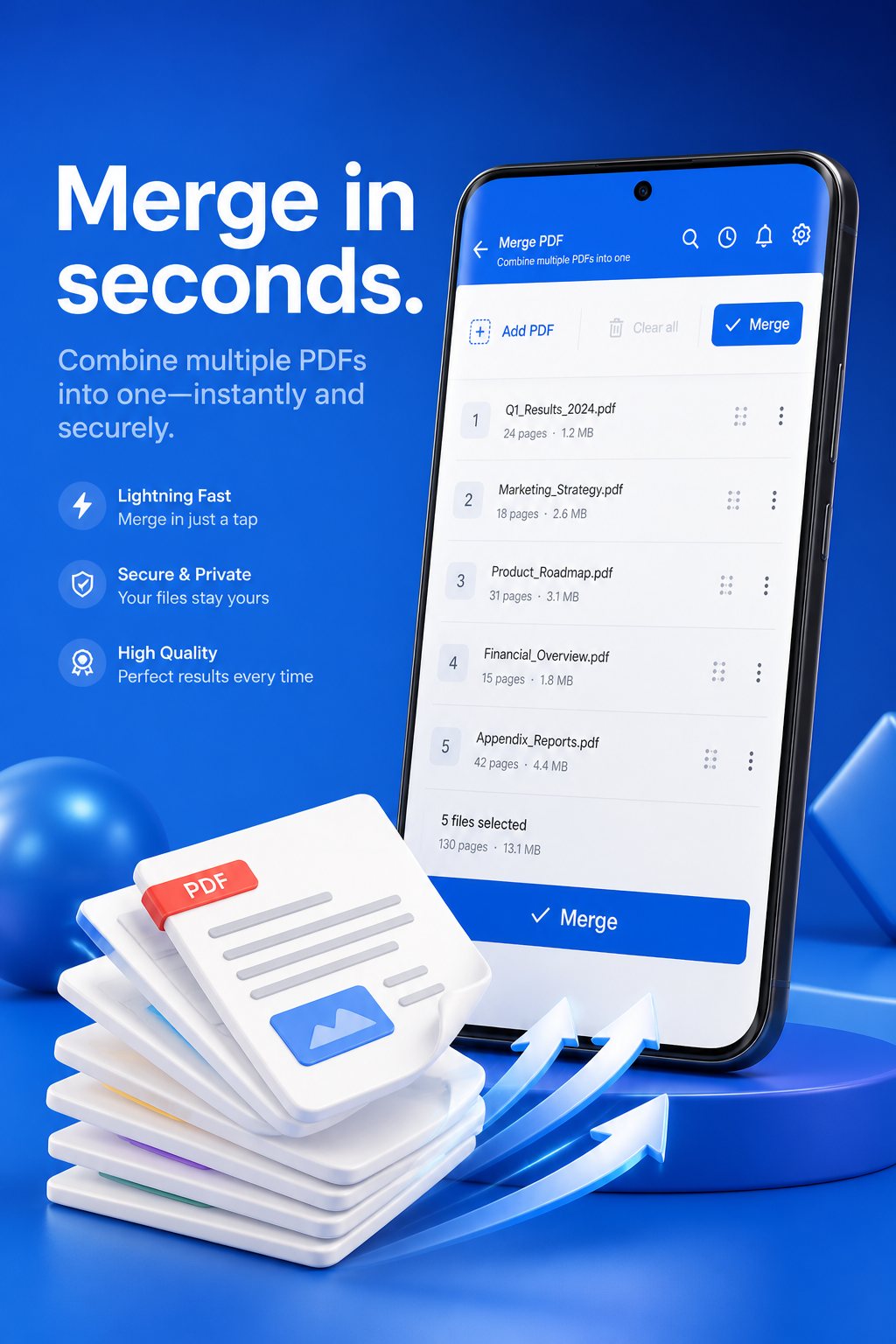
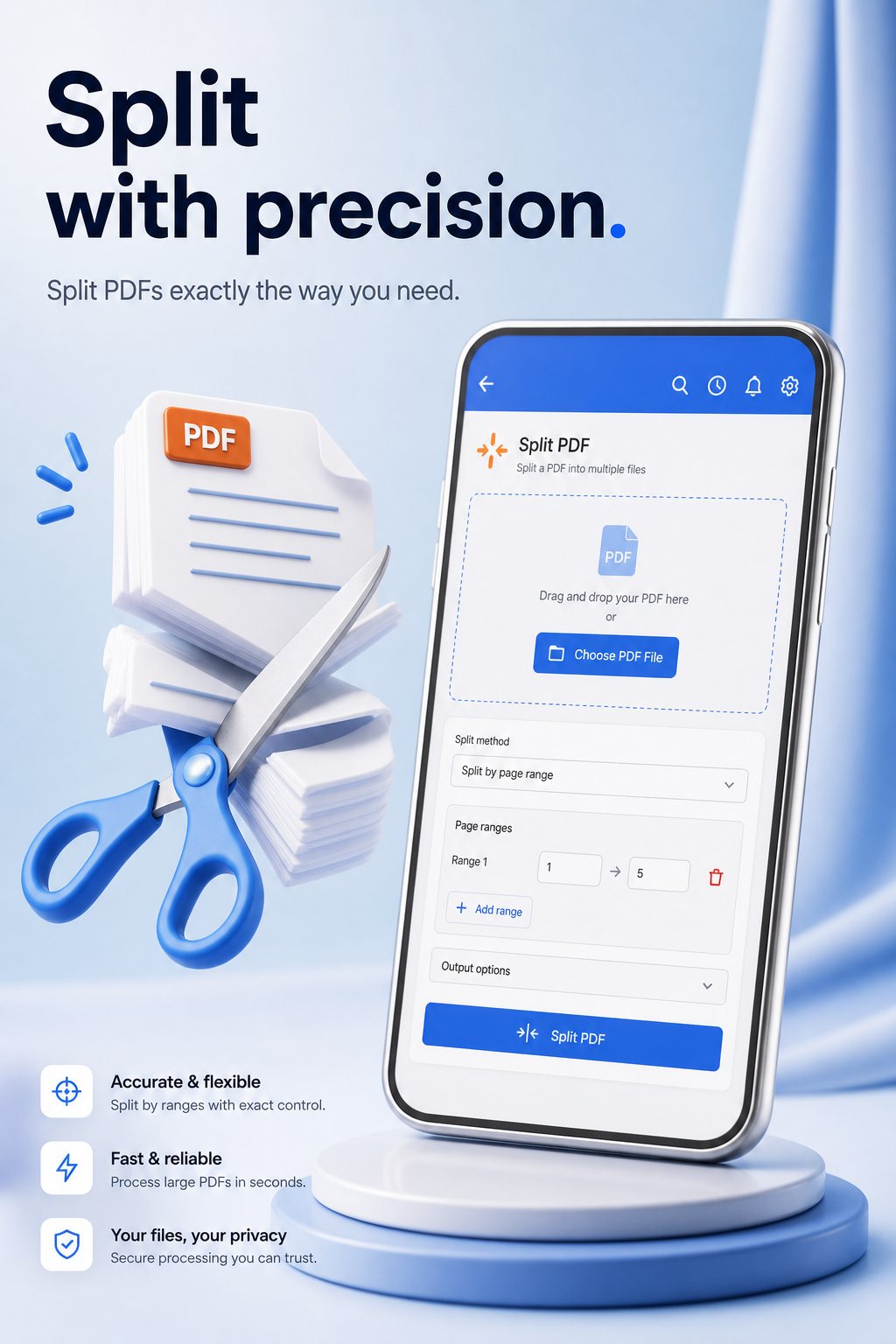
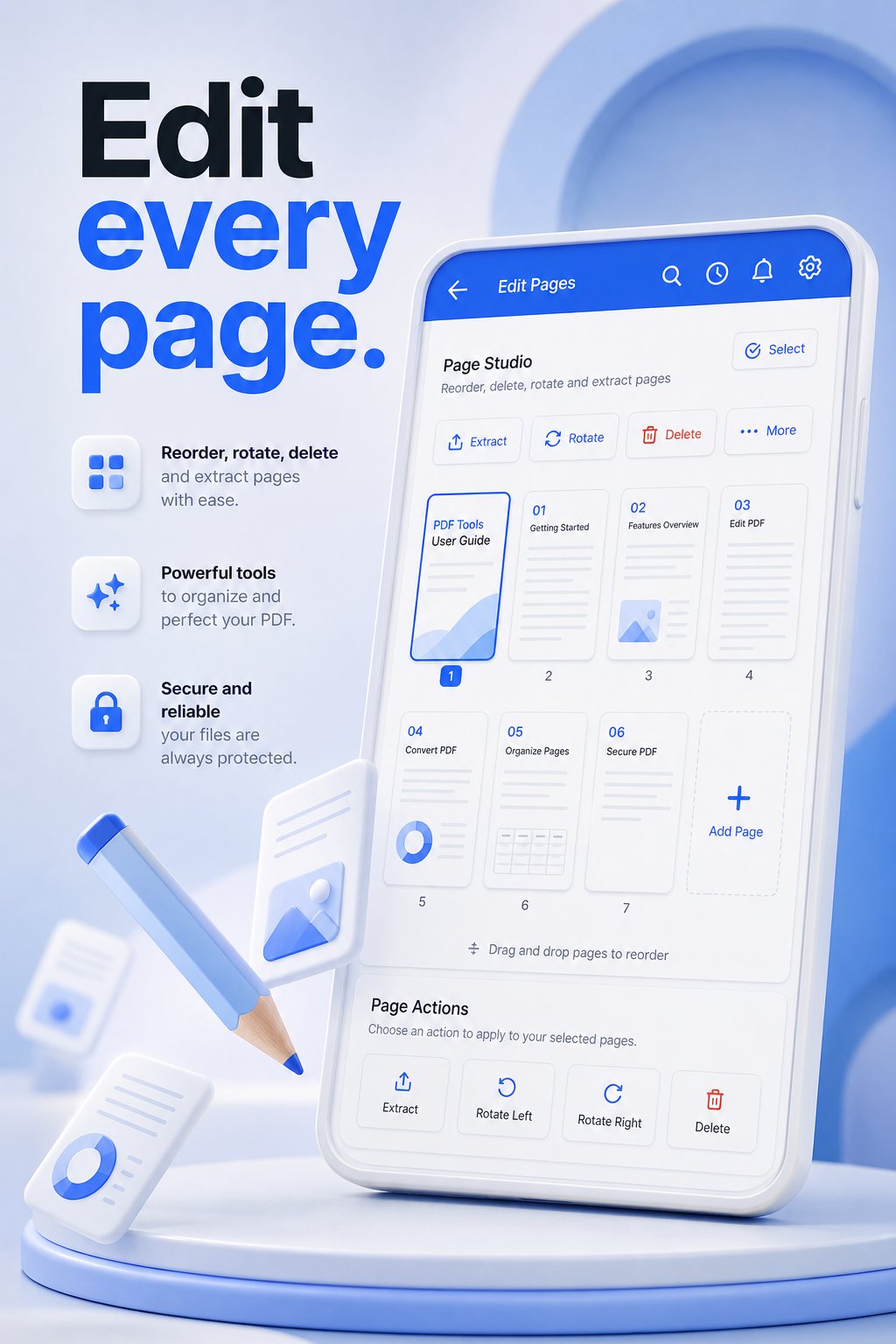
Illustration of the kinds of PDF jobs the app handles. Not a store screenshot.
This site is only for PDF Tools: Advanced. The Play listing is the source of truth for price, screenshots, and availability.
Save keeps an editable project in Recent. Export writes a finished PDF you can share, print, or upload.
Processing stays on-device unless you choose Google Drive or optional AI.
Organize pages, annotate, secure files, and convert formats — with Premium for OCR, Unlock PDF, higher AI limits, and Drive upload.
Reorder pages, split by range or selection, rotate, crop margins, extract, and insert. Images to PDF and PDF to images.
Draw, highlight, text, stamps, shapes, comments, signatures, and images. Text or image watermarks with live preview.
Size presets for sharing. Edit title, author, dates, and keywords.
Password permissions for print, copy, modify, and annotate. Unlock (Premium), change password, strip metadata and scripts.
On-device OCR (Premium), document overview, text search, and optional AI to summarize, translate, explain, or extract tables.
Convert to and from Word, Excel, PowerPoint, HTML, and Markdown as available in the app.
Pick a file from the device or, when you choose, Google Drive.
Merge, annotate, protect, compress, OCR, or convert. Save keeps the project editable in Recent.
Export a finished PDF to share, print, or upload. Install only from Google Play.
Documents are processed in the Android app. This site does not receive PDF contents, passwords, or Drive files. Analytics on these pages only measures visits.
The app privacy policy — including Drive, ads, and AI — is published by GIXSOFT. https://gixsoft.com/privacy
Yes. Core merge, edit, protect, and convert workflows are offline-first. Drive and AI are optional and only when you ask.
Premium removes ads and unlocks OCR, Unlock PDF, higher AI limits, Drive upload, and multi-file gates. Restore purchases through Google Play.
No. PDF contents never pass through pdfadvancedapp.com. Analytics here only measures page visits.
Only from the official Google Play listing for com.gixsoft.pdf_tools. This website does not distribute an APK.